
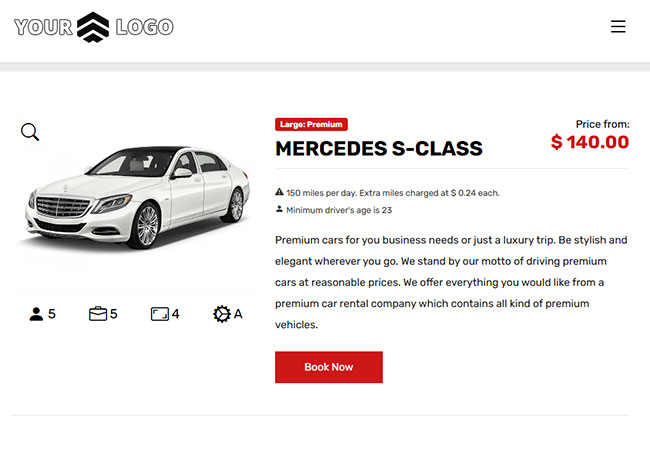
Industry-standard online booking flow built for conversions
Simple for Customers
The booking process follows familiar car rental industry standards, so customers can reserve quickly with confidence on desktop and mobile using your car reservation software.
Optimized to Sell More
Every step is designed to reduce friction, highlight value and increase completed reservations while supporting your direct booking growth goals with conversion-focused car rental software.
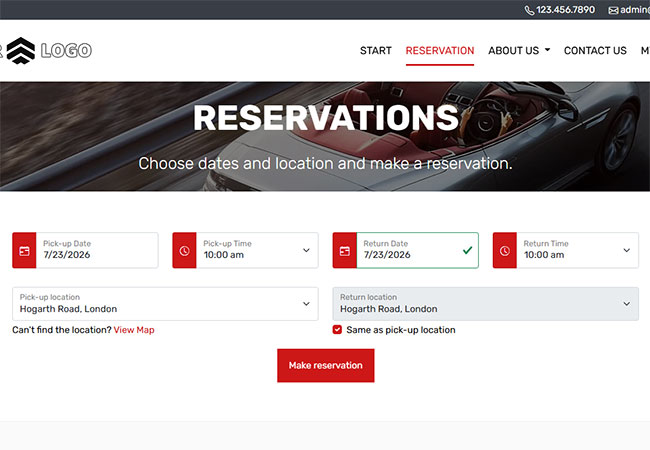
Start with pickup, return and schedule details
Pickup & Return Locations
Let customers choose pickup and return locations directly in the booking form, including one-way rentals when different return locations are enabled in your online booking system.
Pickup & Return Date/Time
Collect pickup and return dates and times in clear steps so availability and rental pricing are calculated automatically for each booking request in your car reservation software.
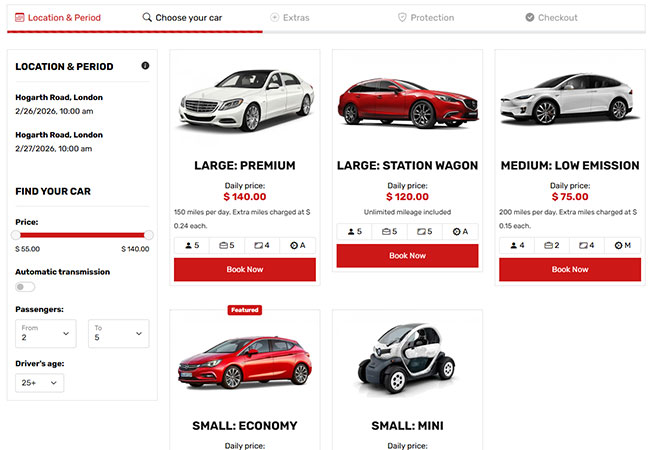
Choose available vehicles
Real-time Vehicle Availability
Show only available vehicles for the selected rental period to prevent duplicate bookings and help customers choose the right car faster with reliable online booking system.
Fleet Details
Present each vehicle with conversion-focused details including pricing, image galleries and key highlights so customers can confidently choose the best-fit car.
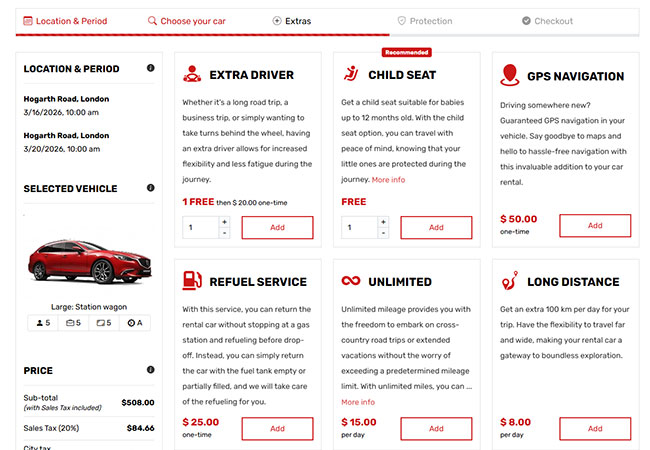
Optional extras and protection packages
Extras
Configure optional, required or included extras and manage pricing rules flexibly per day, per booking or by percentage for each reservation.
Protection Options
Set up protection plans as optional, required or included and apply flexible pricing by day, by booking or by percentage to match your rental policy.
Clear pricing and promo codes
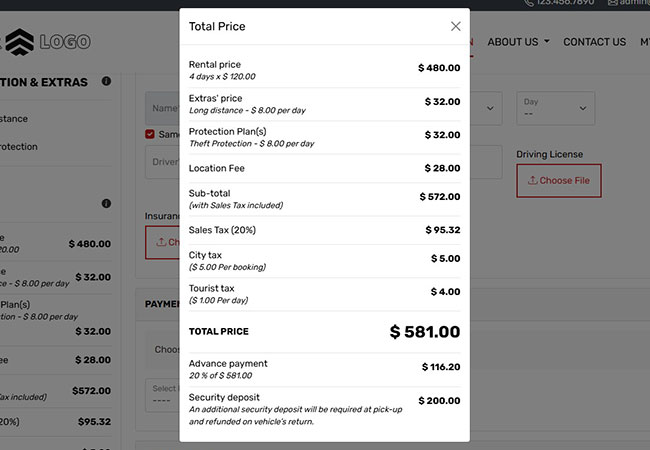
Clear Pricing
Display transparent rental totals during the booking journey, including base rates, extras and fees, so customers know exactly what they are paying.
Promo Codes
Enable promo code entry and automatically recalculate totals in real time based on your configured discount rules and campaign conditions.
Checkout
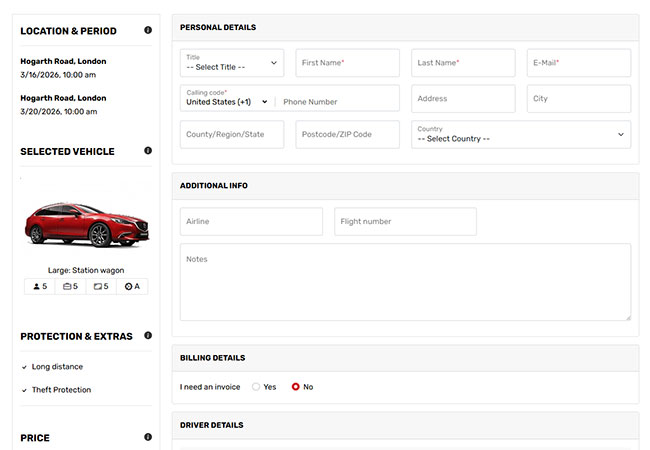
Customizable Checkout Form
Admins can choose, enable and manage the checkout fields they need so each booking captures the right customer and rental details in flexible car reservation software.
Terms Acceptance & Signature
Require terms acceptance before booking completion and support online signature workflows when digital signing is enabled.
Payments
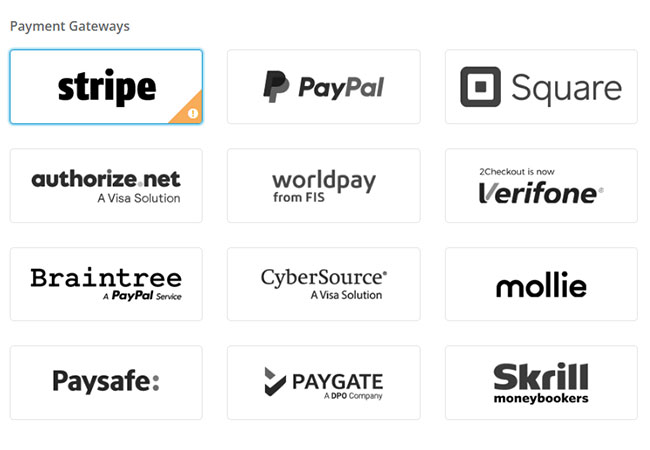
Online Payments
Offer fully automated online payments so customers can pay instantly by card during checkout through your configured payment gateways.
Offline Payments
Accept offline methods such as wire transfer or pay at pickup when your business policy allows alternative payment options.
Show instant confirmation and next steps
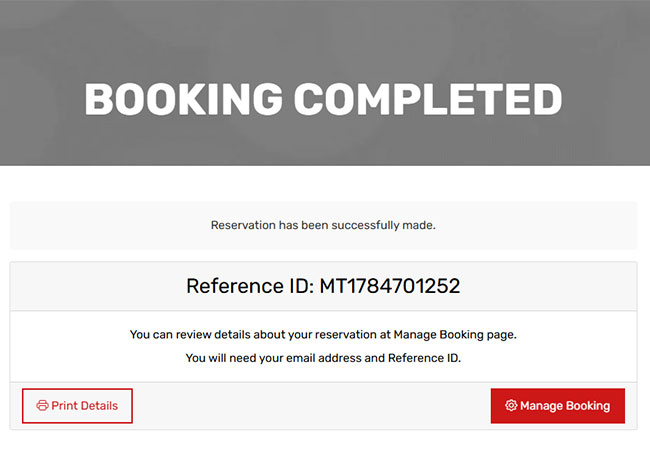
Booking Confirmation
Display a confirmation page immediately after checkout with reservation summary, pricing details, and key information for pickup and return.
Step-by-Step Booking Flow
Guide customers from search to confirmation in a transparent booking flow that improves clarity and helps increase completed reservations.